Easy Organization Systems That Stay Tidy (Home + Digital)
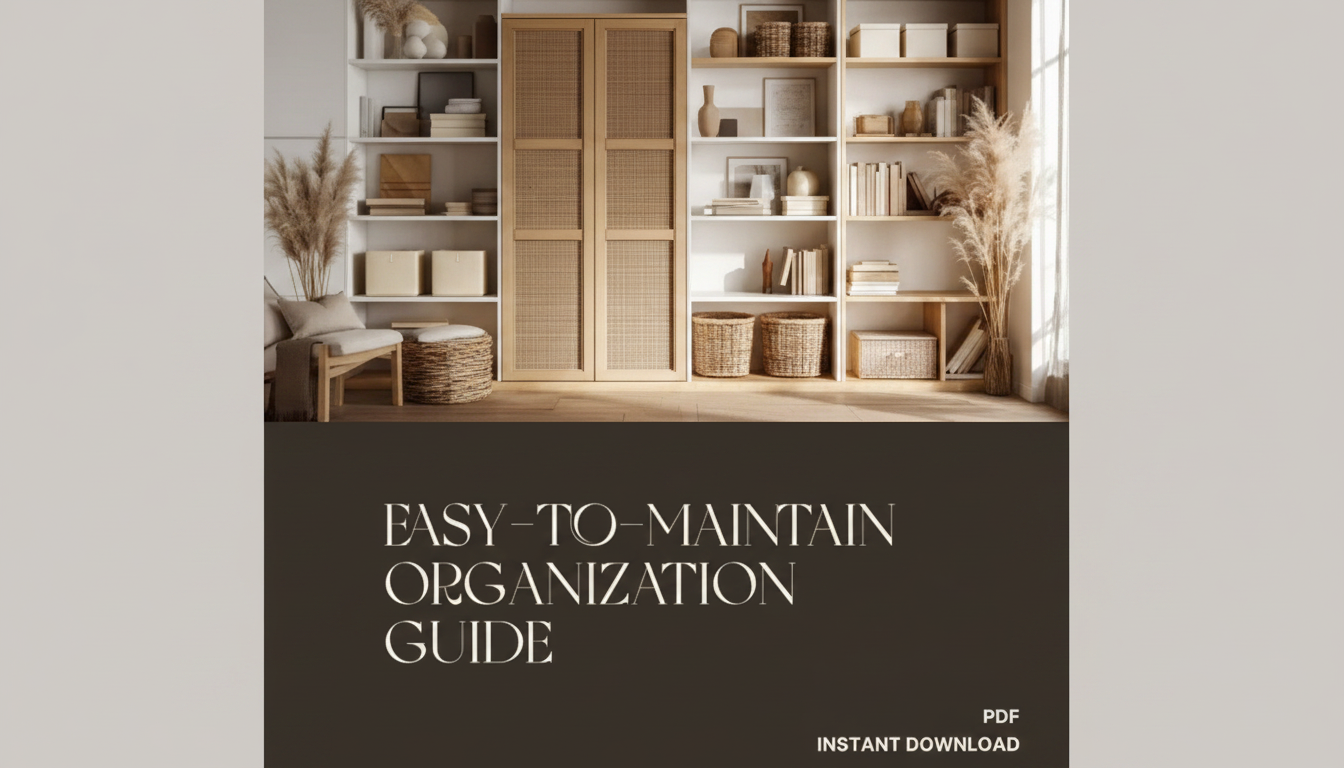
Easy-to-Maintain Organization for Beginners: Simple Storage Systems for Home and Digital Spaces
An organized space only works when it stays organized with minimal effort. The goal isn’t a picture-perfect pantry or a color-coded desktop—it’s a setup that still functions during busy weeks. Below are simple, repeatable storage systems for common home “hot spots” and everyday digital clutter, built around clear categories, easy labels, and quick reset routines that fit real schedules.
What “easy to maintain” really means
- Reduce decisions: fewer categories, fewer containers, and fewer steps to put things away.
- Make the correct action the easiest action: storage should be closer than the nearest “drop zone.”
- Design for volume, not perfection: systems should survive hectic stretches without collapsing.
- Use visible cues: labels, clear bins, and consistent naming so items return to the same home.
When a system is easy to maintain, it runs on habits and placement—not motivation. That matters because clutter can add to daily stress load; even small environmental friction adds up over time (see stress resources from the American Psychological Association).
The beginner setup: 5 rules that keep systems from falling apart
- Start with one small zone at a time (10–20 minutes): avoid burnout and the “half-finished pile” effect.
- Create a home for every category before buying containers: containers support the system, not the other way around.
- Choose broad categories first: “Mail,” “Batteries,” “Cables”—only subdivide if it becomes hard to use.
- Use one container type per zone: consistent bin or folder styles reduce visual clutter and replacement hassle.
- Add a default catch-all: a labeled “To Sort” spot keeps mess from spreading when time is tight.
Quick-start storage map for common home and digital clutter
Pick one row and implement it today; save the rest for later. Aim for a 60-second reset per mini-zone, and keep labels short and specific—avoid “Misc” whenever possible.
| Area | Simple container or tool | Labeling approach | Maintenance cadence |
|---|---|---|---|
| Entryway drop zone | Tray + 2 hooks + slim bin | Keys / Wallet / Outgoing | Daily 30-second reset |
| Kitchen counters | One basket for “Today” items | Vitamins / Lunch / To return | Daily after dinner |
| Paper mail | 3-slot file or 3 folders | Act / File / Recycle | Twice weekly 10 minutes |
| Closet basics | Matching hangers + one hamper | Work / Casual / Donate | Weekly quick sweep |
| Kids’ small toys | 2–4 open bins | Build / Pretend / Art | Evening 3-minute tidy |
| Photo storage (phone) | Album + monthly archive folder | Year-Month + Event | Monthly 15 minutes |
| Downloads folder | Rules + 3 folders | To File / Installers / Receipts | Weekly 10 minutes |
| Email inbox | 2 labels + archive habit | Action / Waiting | Daily 5 minutes |
Simple storage systems for home spaces (step-by-step)
Step 1: Empty only the target area
Clear one surface, one drawer, or one shelf. Keeping the rest of the room untouched prevents “organization sprawl” and protects your energy.
Step 2: Sort into 4 piles
- Keep here
- Keep elsewhere
- Donate/Recycle
- Trash
Step 3: Define 3–7 categories for the zone
Stop when a new category would be rarely used. If you’re debating between two similar categories, merge them and label the container with the simpler term.
Step 4: Match the container to the item’s “behavior”
- Open bins for frequent items (fast in, fast out).
- Lidded bins for rarely used items (protects and stacks well).
- Trays for everyday pocket items (reduces visual scatter).
Step 5: Put the most-used items at grab height
Place high-frequency categories closest to the point of use. If something is used daily but stored across the house, the system will slowly fail—because the “easy” action becomes dropping it somewhere else.
Easy-to-maintain digital organization (files, photos, email)
Files: a short, stable top level
File names: a repeatable pattern
Downloads: treat it like a temporary landing zone
Create three folders inside Downloads: To File, Installers, Receipts. Once a week, file what matters and delete the rest. The National Archives guidance on personal digital records is a helpful reminder that “keep everything forever” isn’t a strategy—intentional retention is.
Photos: archive monthly (or by event)
Email: minimal labels, strong habit
Maintenance routines that don’t require motivation
- Daily reset (3–7 minutes): clear one surface, return items to homes, move “To Sort” items into the next action spot.
- Weekly reset (15–30 minutes): paper/mail, fridge check, bathroom restock, downloads cleanup, quick calendar review.
- Monthly reset (30–60 minutes): donation bag run, photo archive, unsubscribe pass, backup check. For backup planning and recovery basics, see NIST’s security resources at csrc.nist.gov.
- Use triggers instead of willpower: after dinner, before bed, first Saturday, or when the trash goes out.
- Build failure tolerance: keep a labeled overflow bin so busy weeks don’t undo the system.
Common roadblocks and quick fixes
A guided option for building your system faster
- A Beginner’s Guide to Easy-to-Maintain Organization (eBook) (digital download)
- Bright Side Up: A Simple Guide to Getting Positive Thoughts Every Day (a supportive mindset companion for building small daily habits)
FAQ
What is the easiest organization system to maintain long-term?
The easiest system uses a few broad categories, clear labels, and point-of-use storage so putting things away is faster than leaving them out. Pair that with short daily or weekly resets, and simplicity will outperform “perfect” organization every time.
How do beginners organize a house without getting overwhelmed?
Start with one small zone for 10–20 minutes, sort into four piles (keep here/elsewhere/donate/trash), and set a container limit so items can’t expand endlessly. A short weekly reset keeps the progress from unraveling.
What’s a simple way to organize digital files and photos?
Use a minimal top-level folder structure, name files with dates plus a short description, and treat Downloads as a temporary folder with a weekly cleanup. For photos, archive monthly (or by event) and set a monthly reminder to back up.








Leave a comment