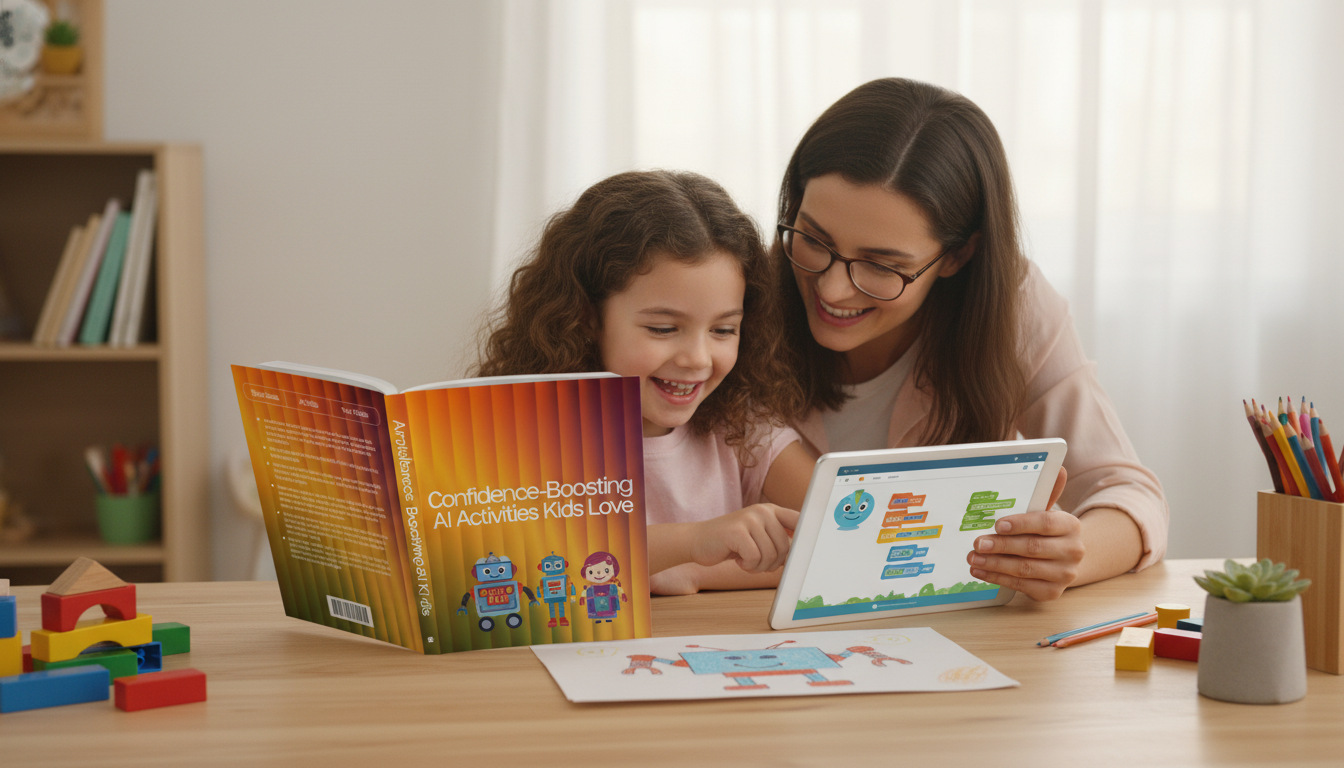
Confidence grows fastest when kids experience small wins, get kind feedback, and notice their progress over time. Used thoughtfully, AI can turn everyday interests—stories, drawings, games, and problem-solving—into low-pressure practice that feels playful instead of performative. The goal isn’t to replace learning; it’s to create more chances to try, revise, and try again with support.
Below is a practical, repeatable approach for home, classroom, or homeschool: quick activities, a simple weekly routine, and safety guardrails so kids can build self-talk, communication, creativity, and resilience one small success at a time.
Confidence in kids is usually visible as willingness to try—not constant success. You’ll see it when a child attempts a new task, shares an idea, asks a question, or returns to something that was hard yesterday.
Look for micro-signs of progress: a slightly longer attention span, less avoiding, more specific self-reflection (“I got better at using commas”), and calmer reactions to feedback. These changes often show up before grades or “big” milestones do.
It helps to focus on controllables kids can practice daily: effort, strategies, help-seeking, and persistence—rather than labels like “smart” or “talented.” Simple language nudges them toward growth: “What did you try?” “What helped?” “What will you do differently next time?”
| Hurdle kids feel | What it can sound like | AI-supported activity idea | Adult cue to reinforce confidence |
|---|---|---|---|
| Fear of being wrong | “What if I mess up?” | Create a “practice mode” quiz with hints and friendly retries | Praise strategy: “You tried a new way—good thinking.” |
| Perfectionism | “It’s not good enough.” | Generate 3 draft options (story, drawing prompts, titles) and choose one to improve | Normalize drafts: “Version 1 is for getting ideas out.” |
| Low participation | “I don’t know.” | Offer multiple-choice starters or sentence stems generated for the topic | Reduce pressure: “Pick one option and add one detail.” |
| Frustration tolerance | “I can’t do it.” | Turn the task into 3 mini-steps with a “checkpoint celebration” after each | Name progress: “Step 1 is done—what changed from before?” |
| Social confidence | “I don’t want to share.” | Practice a short “show-and-tell” script and role-play Q&A | Give choice: “Share with one person first, then the group.” |
AI works best as a coach for practice and idea generation—while adults stay responsible for guidance, boundaries, and values. When used that way, it can support confidence in five practical ways:
For deeper guidance on kids, technology, and digital well-being, reputable starting points include Common Sense Media’s parents’ guide to AI and UNICEF’s guidance on AI and children’s rights.
Pick one small skill (a spelling pattern, math fact family, reading fluency line, handwriting focus). Have AI create five quick rounds that gradually increase difficulty, with a supportive one-liner between rounds. The win is “I kept going,” not “I got them all right.”
For ready-to-use activity sets and routines, explore Confidence-Boosting AI Activities Kids Love (digital download guide). To support longer-term resilience habits—especially for perfectionism or fear of failure—pair it with The Long-Game Mindset (eBook on resilience and sustainable growth).
Most kids can benefit with the right setup: ages 5–8 should use AI with an adult present, while ages 9–13 can do more independent practice with clear rules. Teens can use the same activities at a higher level by increasing complexity and adding deeper reflection.
Consistent short sessions—about 10–20 minutes, a few times per week—tend to work better than occasional long sessions. Confidence grows from repeated small wins, especially when you track attempts and celebrate progress.
It can be helpful for brainstorming, practice, and feedback, but it shouldn’t replace the child’s own work when assignments require original writing or problem-solving. Set simple rules (what’s allowed, what’s not) and encourage transparency with teachers when needed.






Leave a comment