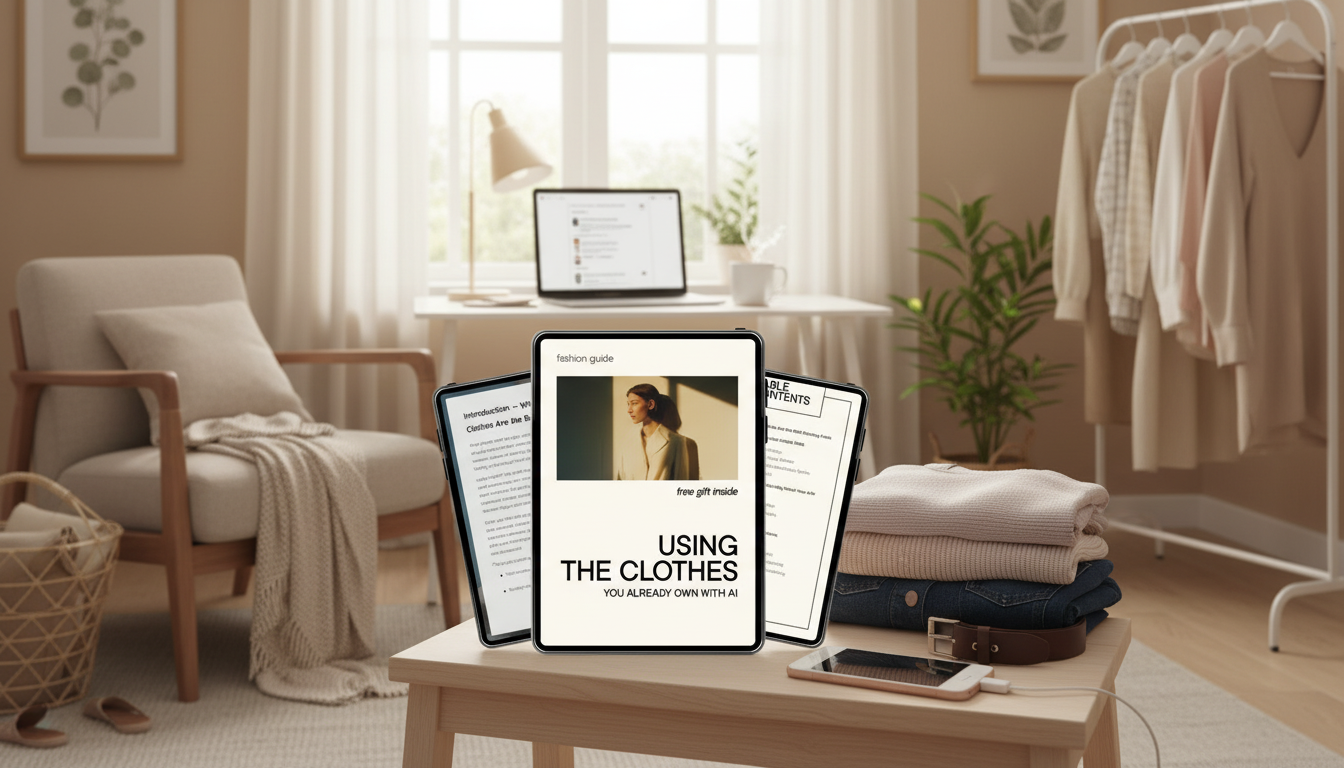
Getting dressed gets easier when the closet is organized like a system instead of a pile of choices. A digital style guide can turn the clothes already owned into repeatable outfit formulas—then use AI (like ChatGPT) to generate fresh combinations based on what’s actually in the wardrobe. The result: fewer “nothing to wear” moments, more outfits on repeat (in a good way), and smarter shopping when something truly is missing.
A smart wardrobe system starts by treating the closet like an inventory you can actually use. Instead of imagining outfits around “someday” pieces, it builds combinations from real items that already fit your life.
There’s also a sustainability upside: wearing what you already own more often can reduce clothing waste over time. For context, the United States Environmental Protection Agency (EPA) textile data tracks the scale of textile waste, and the Ellen MacArthur Foundation’s work on textiles outlines why extending garment use matters.
The fastest way to get useful outfit ideas is to give the system clean inputs. That means a simple, searchable list—not perfection, not photos of everything, not a weekend-long project.
| Field | Example entries | Why it matters |
|---|---|---|
| Item name | Black straight-leg jeans | Makes AI suggestions specific and repeatable |
| Category | Bottoms | Ensures balanced outfits (top + bottom + layer) |
| Color | Black | Improves mix-and-match results |
| Season/fabric | All-season denim | Prevents impractical pairings |
| Fit notes | High rise; ankle length | Supports silhouette planning |
| Use-cases | Work, weekend | Generates outfits for real life |
Outfit generation gets dramatically better when you set a few boundaries. Think of these as your default settings: they prevent ideas that look good in theory but fail in real life.
A helpful way to write rules is to phrase them as “always” and “rarely.” Example: “Always include a third piece for work (blazer, cardigan, structured jacket). Rarely wear anything that requires strapless support.”
Once your inventory and rules exist, ChatGPT can act like a brainstorming partner—especially for building variety without forcing new purchases.
| Goal | Message to paste into ChatGPT | What to do next |
|---|---|---|
| Everyday outfits from your closet | Use only the items listed below to create 10 outfits. Follow these rules: [comfort rules], [dress codes], [color preferences]. Inventory: [paste tops/bottoms/layers/shoes]. For each outfit, list: top, bottom, layer, shoes, bag, optional accessory. | Star the 3 easiest outfits and wear them this week |
| Workweek plan | Create a 5-day work outfit plan using my items. Avoid repeating the same bottom more than twice. Include one outfit with a blazer-equivalent layer. Inventory: [paste]. | Screenshot or copy into notes as a weekly template |
| Style “stuck” items | I rarely wear these items: [list]. Build 6 outfits that include at least one of them each time, using only my wardrobe items: [paste inventory]. Keep shoes comfortable. | Try on 2 outfits immediately and adjust fit/hem/shoes |
| Small capsule for travel | Build a 12-piece packing list from my wardrobe for [trip length] and [weather]. Provide 10 outfits using only those pieces. My activities: [list]. Inventory: [paste]. | Pack by outfits, not by categories |
Yes—basics are ideal because the system relies on repeatable silhouettes and layers. Variety comes from swapping shoes, third pieces (jackets, cardigans), and small color accents.
Share a clean list of items with color and category, then add a few rules: comfort limits, dress codes, climate, and preferred silhouettes. The clearer the inputs, the more wearable the outputs.
Yes—the focus is on increasing outfit combinations and wears per item. If you buy anything later, it’s treated as a targeted gap-fill that works with what you already own.



Leave a comment