Selfie AI Color Analysis: Find Your Best Shades Fast
AI Color Analysis From Your Selfie: a smarter way to find your best shades
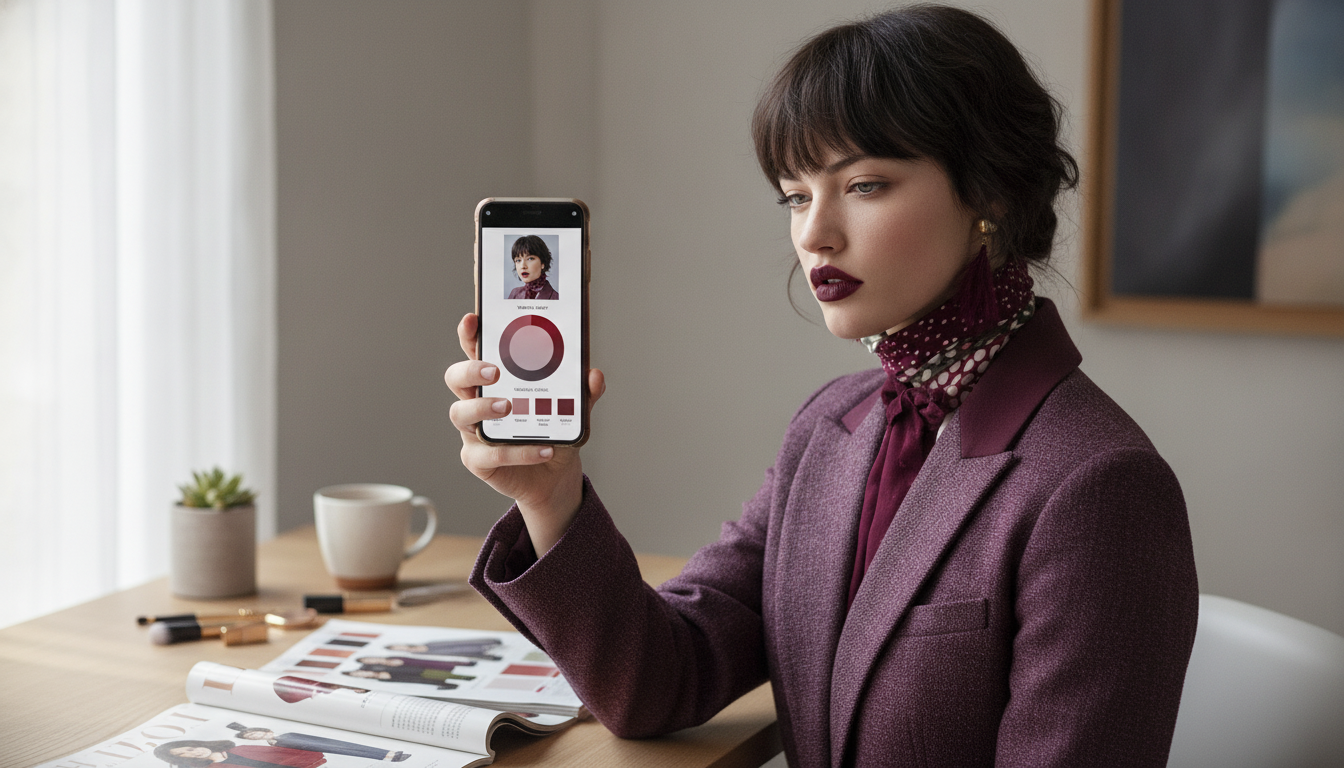
A selfie can reveal more than a good angle—it can help narrow down which colors make skin look brighter, eyes clearer, and features more balanced. AI-assisted color analysis uses the information in your photo (skin, hair, and eye tones) to suggest a palette that’s easier to shop, easier to coordinate, and easier to repeat on busy mornings. This guide breaks down how selfie-based analysis works, how to take a photo that produces more reliable results, and how to apply your palette to clothing, makeup, and hair color without guesswork. For more guidance, see Color Analysis App | Find Your Perfect Colors with AI.
What “personal color” means (and why it changes how colors look on you)
Personal color is the idea that color harmony depends on how shades interact with your natural coloring. Three attributes matter most: For further reading, see Personal Color Analysis Online – Style DNA.
- Undertone: warm, cool, or neutral—this is the subtle base hue that influences whether golden or rosy shades feel more “at home.”
- Value: light to deep—this affects how easily you can wear pale pastels or very dark colors near your face.
- Chroma: soft/muted to bright/clear—this influences whether dusty shades look elegant or just faded, and whether brights look vibrant or overpowering.
That’s why the same shirt can look crisp and energizing on one person and dull (or harsh) on another: contrast and undertone mismatch can change how your skin reads. A practical palette reduces trial-and-error, which often means fewer “almost” purchases and more pieces that naturally coordinate across wardrobe, accessories, and makeup.
How AI color analysis from a selfie typically works
Most selfie-based color tools follow a similar flow:
- Image input: the app reads pixel data from your selfie—often sampling the cheeks, forehead, eye whites/irises, and hairline—to estimate undertone, contrast level, and overall color temperature.
- Classification: those estimates are mapped into a color-season framework (like seasonal analysis) or a custom palette model.
- Output: you’ll usually get recommended neutrals, accent colors, metals, makeup ranges, and sometimes hair-color direction.
- Why results can vary: lighting, camera processing, background color cast, and makeup can shift pixel readings, changing what the algorithm “sees.”
For a deeper (but approachable) foundation on how color is defined and measured, the International Commission on Illumination (CIE) and NIST’s color measurement basics offer helpful context.
Selfie-based color analysis: what the app reads vs. what you can control
| Element | What it influences | Best practice |
|---|---|---|
| Lighting temperature | Warm/cool bias in skin pixels | Face a window in daylight; avoid yellow indoor bulbs |
| Exposure/brightness | Perceived depth and contrast | Avoid overexposure; keep highlights on forehead/cheeks natural |
| Background color | Color cast around hair/skin edges | Use a neutral wall or plain background |
| Makeup/tanner | Shifts undertone and saturation | Go makeup-free if possible; avoid bronzer/self-tan |
| Hair color (dyed) | Can skew season/contrast estimates | If recently dyed, note natural root color for interpretation |
| Camera filters/HDR | Alters color values and smoothing | Turn off beauty filters; use a standard photo mode |
Getting a better selfie for more reliable results
- Use indirect natural light: stand near a window, facing the light. Avoid mixed lighting (window + lamp), which creates uneven color temperature across the face.
- Remove anything tinted: take off tinted glasses and keep hair away from the face so the app can read skin more accurately.
- Wear a neutral top: white, gray, or black helps reduce color reflection under the chin that can “push” your result warmer or cooler.
- Take 2–3 shots: capture a straight-on photo and a slight angle to reduce glare and shadow artifacts, especially around the nose and under-eye area.
- Retake at a different time if needed: late afternoon “golden” light often adds warmth—great for selfies, less great for analysis.
Turning your results into a wearable palette (without replacing your whole wardrobe)
A palette is most useful when it becomes a repeatable system, not a one-time quiz result. A simple way to translate AI suggestions into real outfits:
Makeup and hair color: quick alignment with your palette
Common pitfalls and how to interpret results like a pro
What’s inside the Smart Personal Color Guide Ebook
Shop digital guides
- AI Color Analysis From Your Selfie – Smart Personal Color Guide Ebook | Discover Your Best Colors with an ai color analysis app from a selfie (Digital download)
- Curls Unleashed: The Ultimate Guide to Long Curly Hairstyles | Digital Hair Care & Styling Guide for Gorgeous Curls (Digital download)
- Bright Side Up: A Simple Guide to Getting Positive Thoughts Every Day | How to Get Positive Thoughts Daily Mindset Guide (Digital download)
FAQ
How accurate is AI color analysis from a selfie?
Accuracy depends heavily on lighting, camera processing, and whether you’re wearing makeup. AI usually provides a strong starting point, but it’s best confirmed with a quick daylight fabric test and (if needed) a second selfie taken under more neutral light.
Do I need a makeup-free photo for color analysis?
A makeup-free photo is recommended because foundation, bronzer, and lipstick can change the pixel data the app is evaluating. If removing makeup isn’t possible, keep base products minimal and avoid anything that strongly warms or cools the complexion.
What if my results don’t match what I already know looks good?
Retake the selfie in neutral daylight, double-check that filters are off, and try more than one photo. Treat the output as a range, keep colors you already know are flattering, and look for overlaps in neutrals and accents between your proven picks and the AI palette.










Leave a comment