Printable Alexa Commands Checklist for Daily Routines
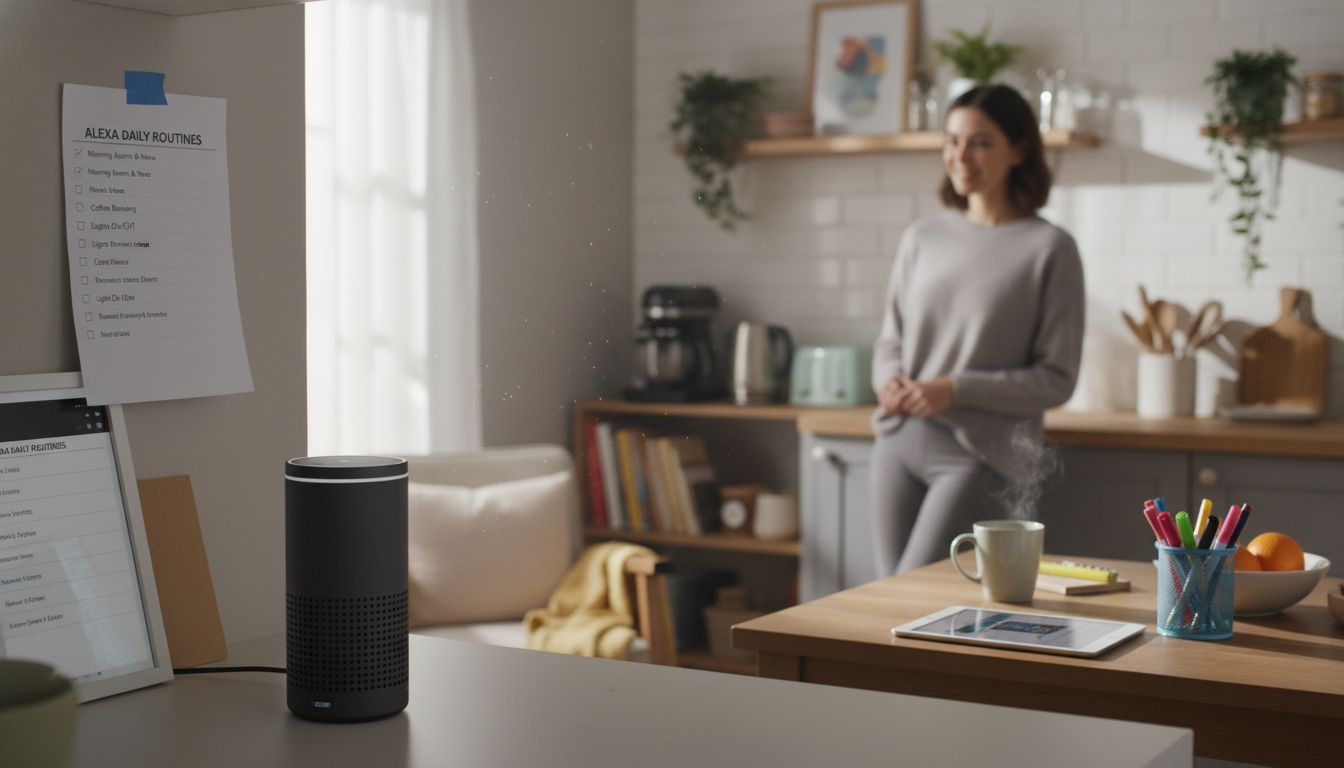
Alexa Commands Checklist for Everyday Routines (Printable Digital Download)
A solid set of Alexa commands can take a surprising amount of friction out of everyday life—timers while cooking, reminders when hands are full, lights that shut off without walking room to room, and routines that run the same sequence every time. The challenge is that most households don’t use Alexa consistently because nobody wants to guess the “right” wording in the moment. A categorized, quick-glance checklist helps you use what you already have—faster, more confidently, and with fewer misfires. For more guidance, see From Command to Care: A Scoping Review on Utilization of Smart ….
If you want a ready-to-print reference, see the Alexa Commands Checklist – Best Alexa Commands for Everyday Use | Digital Download and keep it near the kitchen, desk, or nightstand. For further reading, see Do Users Really Know Alexa? Understanding Alexa Skill Security ….
What This Checklist Helps With
- Reduces trial-and-error by organizing commands into everyday categories (home, time, entertainment, communication, and more).
- Makes it easier for the whole household to use Alexa consistently—especially guests, kids, or anyone new to voice assistants.
- Supports quick reference during busy moments (cooking, getting out the door, bedtime routines).
- Pairs well with Alexa Routines by giving you command ideas that chain into morning, cleaning, and wind-down flows.
Getting Set Up for Smooth Voice Control
- Confirm the wake word and device name in the Alexa app to reduce confusion when multiple Echo devices are in the home.
- Adjust Voice Purchasing: add a PIN, require confirmations, or turn purchasing off to prevent accidental orders.
- Link your key services in the Alexa app (music providers, calendar, contacts, and compatible smart-home brands) so Alexa can act without extra follow-up questions.
- Set a preferred music service and default speaker (or speaker group) for consistent playback results.
- Create a few simple Routines for repeated tasks (example: “Good morning” to turn on lights, read weather, and start a playlist).
Amazon maintains step-by-step device and feature guidance in Amazon Alexa Help, and privacy controls are summarized in the Alexa Privacy Hub.
Everyday Alexa Commands by Category
Once your device names and groups are tidy, most daily commands fall into a handful of categories that are easy to scan and repeat:
- Time & productivity: timers, alarms, reminders, calendars, lists, quick math.
- Kitchen & cooking: named timers, conversions, recipe help, substitutions.
- Home & smart devices: lights, plugs, thermostats, fans, TV controls, room-based commands.
- Entertainment: music, podcasts, audiobooks, volume, multi-room audio.
- Communication: calling, announcements, Drop In (where enabled), intercom-style features.
- Information: weather, news briefings, traffic, definitions, quick facts.
- Accessibility & focus: whisper mode, Do Not Disturb, volume limits, bedtime settings.
Quick Alexa Commands (Everyday Picks)
| Category | Try Saying | When It Helps | Tip |
|---|---|---|---|
| Timers | “Alexa, set a 10-minute timer” | Cooking, laundry, breaks | Name timers: “pasta timer,” “laundry timer.” |
| Reminders | “Alexa, remind me at 3 PM to call the dentist” | Appointments and follow-ups | Use location-based reminders when supported. |
| Lists | “Alexa, add eggs to my shopping list” | Groceries and to-dos | Create separate lists for pantry, errands, and work. |
| Smart lights | “Alexa, turn off the living room lights” | Hands-free lighting control | Group devices by room in the Alexa app. |
| Music | “Alexa, play a chill playlist” | Focus, cleaning, relaxing | Set a default provider to avoid follow-up questions. |
| Broadcast | “Alexa, announce dinner is ready” | Calling everyone to a room | A reliable alternative to shouting across the house. |
| Do Not Disturb | “Alexa, turn on Do Not Disturb” | Sleep, meetings, quiet hours | Schedule DND in device settings for consistency. |
Command Combos That Save the Most Time
Single commands are helpful, but the biggest wins come from pairing a few actions you already repeat—then turning them into a Routine so you only say one phrase.
For households that like systems and “set it once” organization, pairing the checklist with other simple digital guides can keep routines consistent across different parts of life—like wardrobe planning and daily decision reduction. If that’s useful, the Using the Clothes You Already Own with AI | Smart Wardrobe Guide for using chatgpt for outfit ideas based on your clothes | Digital Style System Download is a quick way to streamline outfit choices using what you already own.
Household-Friendly Tips (Kids, Guests, and Shared Spaces)
Privacy and Control Settings Worth Checking
Download Format and Easy Printing
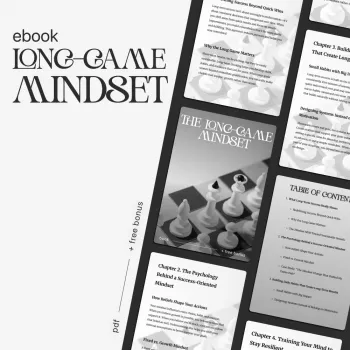
For a clean, printable reference you can keep where you actually use Alexa, grab the Alexa Commands Checklist – Best Alexa Commands for Everyday Use | Digital Download. If your goal is broader day-to-day consistency (habits, follow-through, and long-term routines), the The Long-Game Mindset | Ebook on How to Build a Mindset for Long-Term Success, Sustainable Growth & Resilience pairs well with any routine-building approach.
FAQ
Do Alexa commands have to be said exactly the same way every time?
No—Alexa usually understands natural variations (for example, “set a timer for 10 minutes” vs. “set a 10-minute timer”). The main wording that must match is your smart-home device names and room groups as you set them in the Alexa app.
How can multiple people use Alexa without mixing up reminders and calendars?
Use voice profiles where available so Alexa can recognize different people for personalized results. For household tasks, shared lists are often simpler than individual reminders, and placing devices in shared vs. private spaces helps keep personal requests in the right rooms.
What’s the fastest way to make Alexa more useful day-to-day?
Create a few core Routines (morning, leaving home, bedtime), organize devices into clear room groups, and keep a short printed cheat sheet of the commands you use most. Consistency is what turns Alexa from “sometimes helpful” into genuinely automatic.









Leave a comment