AI Red Flags in Vehicle History Reports: Used Car Checks
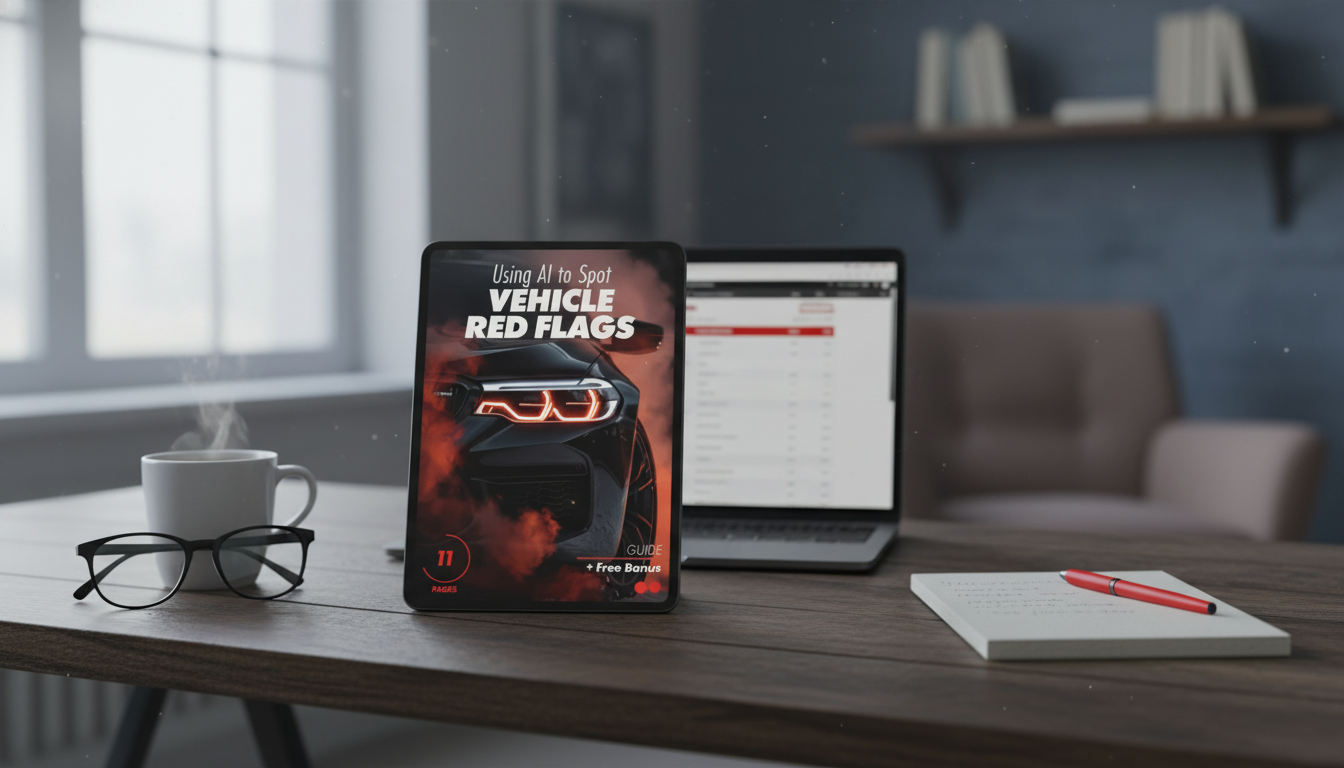
Using AI to Spot Vehicle Red Flags Before Buying a Used Car
Vehicle history reports can hide important clues in plain sight: inconsistent dates, repeat ownership changes, title branding, mileage anomalies, and patterns that only become obvious when the information is organized and questioned. AI can help by turning a long report into a clear checklist of potential risks, follow-up questions, and verification steps—so the final decision is based on evidence, not guesswork.
What “vehicle red flags” look like in real reports
Most reports are a timeline of registrations, inspections, service notes, and incident entries. The red flags usually aren’t a single line item—they’re inconsistencies across the timeline.
- Title branding signals (salvage, rebuilt, flood, lemon, junk) and title transfers that don’t align with the seller’s story.
- Mileage inconsistencies (odometer rollback indicators, large gaps between readings, sudden drops, or irregular reporting cadence).
- Damage and incident records (accident severity indicators, airbag deployment, repeated damage entries, or repairs that suggest structural impact).
- Usage clues (rental/fleet/taxi/ride-share history, frequent short-term ownership, rapid state-to-state transfers).
- Service timeline issues (long gaps with no records, service entries that don’t match the odometer, repeated “inspection” without follow-up repairs).
A clean-looking summary can still hide risk. The most useful habit is to read the report like an investigator: “Does this sequence of events make sense for the story I’m being told?”
How AI helps: from raw data to a risk checklist
AI is especially useful when a report is long, messy, or full of near-duplicate entries. Instead of scrolling and guessing what matters, AI can quickly structure the information so the risks and unknowns stand out.
- Summarizes long histories into a short “risk highlights” list without losing key dates and totals.
- Detects patterns across the timeline (clusters of events after a collision, repeated registrations in a short period, abnormal maintenance gaps).
- Generates targeted questions for sellers based on what’s missing or contradictory (e.g., “Which shop performed the rebuild inspection?”).
- Creates a verification plan: what to confirm with paperwork, what to inspect physically, and what to validate through official databases.
- Helps compare two vehicles consistently by applying the same red-flag rubric to each report.
Common report signals and what to verify next
| Report signal | Why it matters | What to verify before buying |
|---|---|---|
| Salvage/rebuilt/flood branding | May indicate major damage and reduced resale value; insurance/financing can be harder | Ask for rebuild paperwork; confirm state title status; inspect for water intrusion, corrosion, and mismatched panels |
| Odometer inconsistency or “not actual mileage” | Potential rollback or reporting error that affects value and reliability planning | Match odometer to service receipts; check inspection records; get a pre-purchase inspection focused on wear indicators |
| Frequent ownership changes | Could signal unresolved issues or flip behavior | Request ownership timeline; ask why sold; check if repairs were completed between owners |
| Accident entries with limited details | Severity can be unclear; structural repairs may not be obvious | Look for alignment issues; ask for body shop invoices; verify airbag/seatbelt replacement where relevant |
| Long gaps with no service records | Maintenance may be missing; higher likelihood of deferred repairs | Ask for personal receipts; check fluids, tires, brakes; budget for catch-up maintenance |
A practical workflow for scanning a vehicle history report with AI
Consistency beats speed. A simple, repeatable workflow helps keep emotions out of the decision—especially when a car looks perfect in photos.
After that, the goal is not to “approve” or “reject” the car instantly—it’s to decide what needs proof. For consumer protections and buying basics, the Federal Trade Commission’s guidance on buying a used car is a solid reference point.
What AI can’t confirm (and how to close the loop)
- A clean report doesn’t guarantee a clean car: not every accident or repair is reported, and not every state record appears consistently.
- AI can highlight risk, but it cannot validate current condition: pair the report review with a pre-purchase inspection from an independent shop.
- Use official databases and direct evidence: verify the VIN details via the NHTSA VIN Decoder and check theft/total-loss signals using NICB VINCheck where applicable.
- Treat AI output as a checklist, not a verdict: the win is better questions and smarter verification.
Smart follow-up questions that surface deal-breakers fast
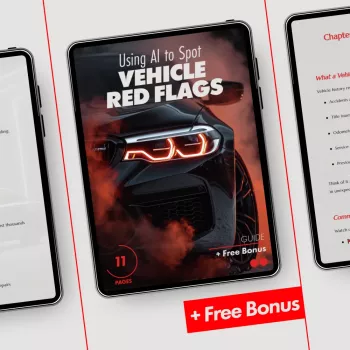
Digital guide: Using AI to Spot Vehicle Red Flags
- Using AI to Spot Vehicle Red Flags (digital download) — a guided process for extracting timelines, spotting inconsistencies, and focusing inspections on what the report suggests.
FAQ
Can AI tell if a used car is a bad deal just from a history report?
AI can summarize the report and highlight inconsistencies, but it can’t guarantee the car’s current condition or confirm missing events. Use it to guide questions, then back it up with a pre-purchase inspection, title verification, and documentation checks.
What’s the biggest red flag in a vehicle history report?
Title branding and mileage inconsistencies are among the most serious because they can affect legality, value, financing, and long-term reliability planning. Repeated damage entries and frequent ownership changes can also be significant, depending on the context and proof provided.
If the report is clean, is it safe to buy?
Not necessarily—“clean” only means no issues were reported to that database. Independent inspection, VIN/title cross-checks, and reviewing service receipts help confirm the car matches the story.









Leave a comment